
New in This Release
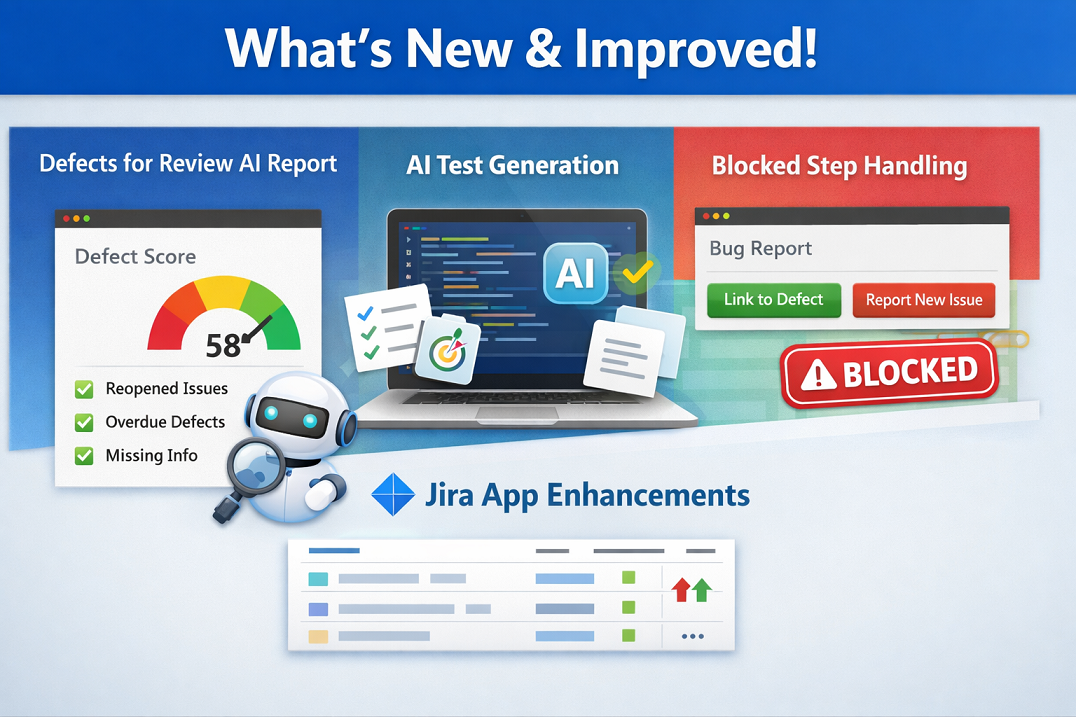
Defects for Review AI Report
As part of our ongoing AI journey, we’re introducing the Defect Cleanup Candidates insight report. This new report is designed to help you understand the quality of defects in your backlog, much like how the Ineffective Tests Indications report helps assess test effectiveness.
The report provides a clear defects score and highlights key indicators such as defects being reopened multiple times, defects left open too long, missing closure explanations, and defects not connected to tests. It even leverages AI to spot defects that need clarification or are well-documented enough for automated understanding.
By identifying patterns in defect management, you can improve backlog hygiene, ensure faster resolution, and maintain traceable, high-quality defect records. The report gives you actionable insights at a glance, letting your team focus on what needs attention most.
Review the report regularly to spot trends, prioritize interventions, and refine your defect management practices. Over time, it helps reduce inefficiencies and ensures your defect backlog reflects the true quality of your work.
AI Test Generation: Suggest Steps with AI Help
We’ve improved the AI-driven test generation from defects by giving you more control over which part of a defect is used for generating tests.
Now, when suggesting steps with AI help, you can:
- Use the entire defect description for context.
- Or select only a specific part of the description to focus the AI on the most relevant information.
- Edit the selected part directly before generating tests to make sure the AI works with exactly what you need.
This change gives your team more flexibility and precision when converting defects into test steps, making AI-assisted test generation smarter and more tailored to your workflow.
Test Runner: Improved Handling of Blocked Steps
We’ve enhanced the Test Runner to give you better control and visibility when dealing with blocked steps. Now, clicking on a blocked step will open the Bug Reporter, just like it already does for failed steps.
This allows you to:
- Link the blocked step to an existing defect.
- Or report a new defect directly from the step.
- Clearly document the reason for the block as part of your defect tracking.
This improvement makes it easier to maintain traceability, provide context for blocked executions, and keep your defect workflow consistent across all step statuses.
Better Management: Testuff Jira App Enhancements
We’ve always said that the “little things” in your daily routine aren’t small—they are the friction-reducers that keep your team moving.
In this release, we’ve added column sorting to tables within the Testuff Jira App. Whether you are looking at your test runs or requirements directly inside Jira, you can now sort by any column to find exactly what you need in seconds. It’s a simple tweak that makes managing your testing lifecycle from within Jira even smoother.
As always, our support team is here to assist with any questions or issues.
Stay tuned for more updates!