
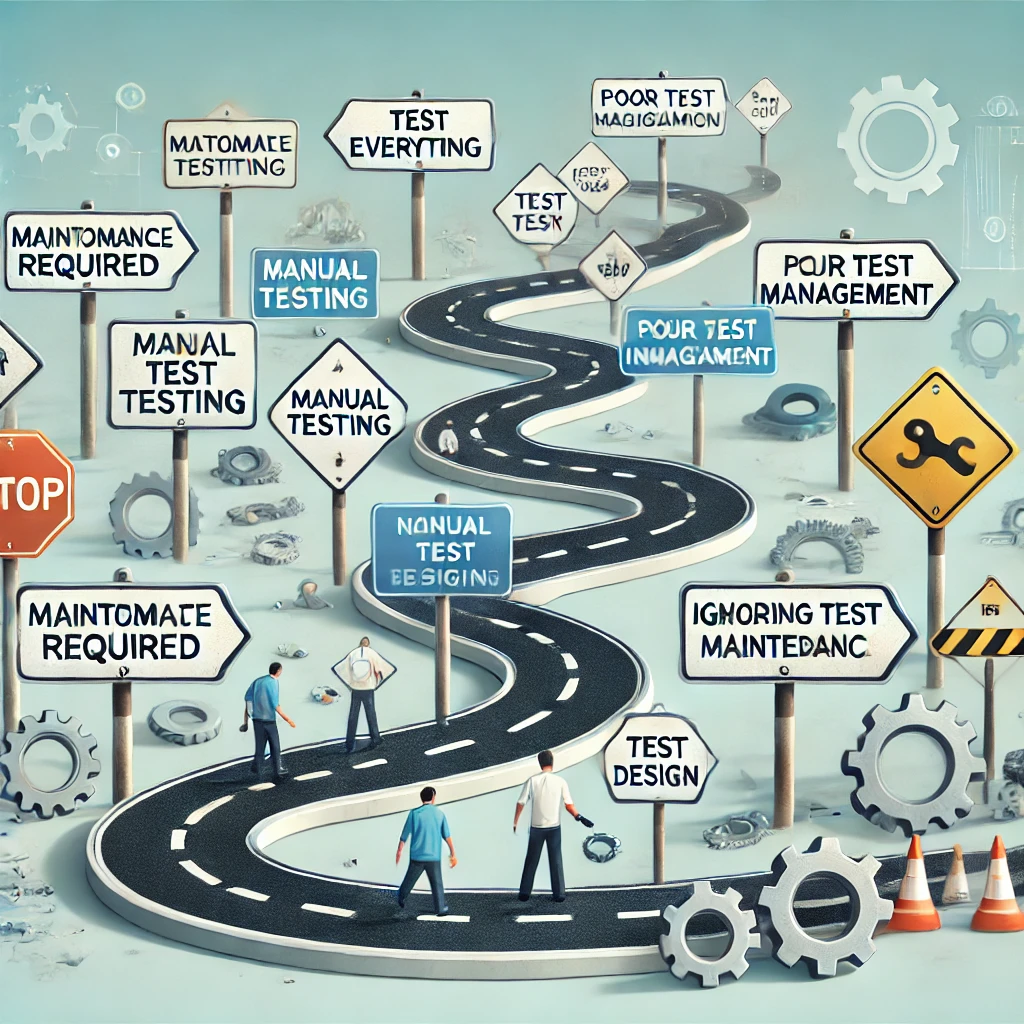
Automated testing is a powerful tool in software development, helping teams speed up their testing processes, ensure consistent test execution, and improve overall product quality. However, while automated testing offers significant benefits, it is not without its challenges. Many teams face pitfalls that can undermine the effectiveness of their testing efforts, leading to wasted resources, false confidence, or even overlooked bugs. This post will explore some of the most common mistakes in automated testing and provide actionable insights on how to avoid them, enabling teams to fully harness the potential of automation.
Automated Tests Require Maintenance
I believe the biggest mistake (and it should probably be the first one on this list) is that automated tests require continuous maintenance. If they are not well-written, they will fail without valid reasons, slow down development, and consume valuable resources to fix. In fact, this is the main reason why many automation systems eventually fail.
- Automate tasks that are not dependent on UI implementation: Such as deployment processes, integration checks, and code coverage. These tasks tend to be more stable and less affected by changes in the user interface.
- Continue running Unit Tests automatically on every commit: This ensures that developers can identify issues in real-time and maintain the integrity of the tests throughout the development process.
- Implement functional tests only for the critical parts of the software (such as what’s included in sanity testing): Run them before every software deployment, allowing enough time to fix any issues that may arise.
1. Automating Everything: Knowing When to Use Manual Testing
One of the most common mistakes in automated testing is attempting to automate everything. While automation is ideal for repetitive, time-consuming tasks, not all tests should be automated. Automation excels in regression testing, performance testing, and large-scale test suites that need to be run repeatedly. However, it often struggles with exploratory testing, usability testing, and tests that require human intuition or subjective judgment.
How to Avoid It: Identify which tests are worth automating by evaluating the cost-benefit ratio. Focus automation efforts on areas like regression tests, where repeated execution is necessary, and leave exploratory and usability testing to manual testers. Combining the strengths of both manual and automated testing will create a balanced and effective testing strategy.
2. Ignoring Test Maintenance: The Importance of Updating Test Suites
Automation is often viewed as a “set it and forget it” process, but that couldn’t be further from the truth. Automated tests require regular maintenance and updating, especially when the application under test evolves. New features, code changes, or updates to libraries can render existing test scripts obsolete, leading to false positives or missed bugs.
How to Avoid It: Automated test suites need to evolve with the application. Set aside time after each development cycle to review and update automated tests. Ensure that your testing framework is flexible enough to accommodate changes without requiring a complete rewrite of test scripts. Regular test audits help ensure that tests remain relevant and accurate.
3. Poorly Designed Test Cases: Prioritizing Test Quality Over Quantity
Another common mistake in automated testing is the creation of poorly designed test cases that either don’t cover the application adequately or cover it too broadly. Test cases that are too generic or overly complex may fail to identify specific edge cases or scenarios, while redundant tests add unnecessary execution time without offering additional insights.
How to Avoid It: Design test cases with clear goals in mind. Use modular and reusable test components to cover specific functionalities without redundancy. Focus on writing high-quality tests that are concise, relevant, and targeted toward critical areas of the application. Incorporate a mix of positive and negative test cases to ensure comprehensive coverage.
4. Relying Solely on Automated Testing: The Need for Human Oversight
While automation speeds up testing and improves accuracy, it lacks the ability to think critically, adapt to new challenges, or assess user experience. Automated tests run predefined scripts, and while they can identify code-level issues, they are not capable of evaluating the overall user experience or catching unexpected behavior that falls outside of predefined test cases.
How to Avoid It: Continue to involve manual testers in the process. Incorporate exploratory testing alongside automation, allowing human testers to investigate areas that automated scripts may not cover. Conduct periodic manual reviews of the test suite to ensure that it still aligns with the application’s goals and user expectations.
5. Overlooking Test Data Management
Automated tests often require specific data sets to execute properly. Whether it’s a login test that requires valid credentials or a database validation test that needs predefined records, managing test data is critical. Poor test data management—such as using hard-coded data or failing to refresh test environments—can lead to inconsistent results, false positives, or failed tests.
How to Avoid It: Implement dynamic test data management by using test data generators or databases that can automatically populate the required data for each test run. Additionally, ensure that test environments are reset or refreshed regularly to prevent data-related issues from skewing results. Automating test data generation and environment resets will help maintain consistency across test runs.
6. Not Integrating Automated Testing into CI/CD Pipelines
In modern software development, Continuous Integration (CI) and Continuous Delivery (CD) pipelines are critical for ensuring fast, reliable delivery of code to production. However, many teams fail to integrate automated testing into their CI/CD pipelines, resulting in delayed feedback on code quality and potential integration issues that go unnoticed until late in the development cycle.
How to Avoid It: Integrate automated testing into your CI/CD pipelines to ensure that tests are run automatically after each code commit. This provides immediate feedback on code quality and helps catch integration issues early. Use tools like Jenkins, GitLab CI, or CircleCI to automate the process and ensure that tests are consistently run before code is merged or deployed.
7. Neglecting Test Coverage Analysis
Test coverage analysis is essential to understanding how well your automated tests cover the codebase. However, many teams either fail to track test coverage or misunderstand its importance. This can lead to gaps in testing where critical sections of the code are untested.
How to Avoid It: Use test coverage analysis tools to monitor how much of the codebase is covered by automated tests, but don’t rely solely on coverage percentages. Combine coverage analysis with qualitative evaluations to ensure that tests are well-designed and meaningful. Focus on critical paths, business logic, and frequently used features, rather than chasing 100% coverage blindly.
8. Lack of Scalability: Growing Your Test Suite as Your Application Grows
As your application grows in complexity, so should your test suite. Many teams start with a small number of automated tests but fail to scale their efforts as new features are added. This can result in outdated test suites that no longer cover the full functionality of the application, leading to missed bugs and reduced confidence in the automated tests.
How to Avoid It: Plan for scalability from the beginning by building modular, reusable test scripts that can be easily expanded as new features are developed. Regularly review and update your test suite to ensure that it keeps pace with the application’s growth. Incorporate automated test management tools to track coverage and maintain the quality of your tests as they scale.