
Release Highlights
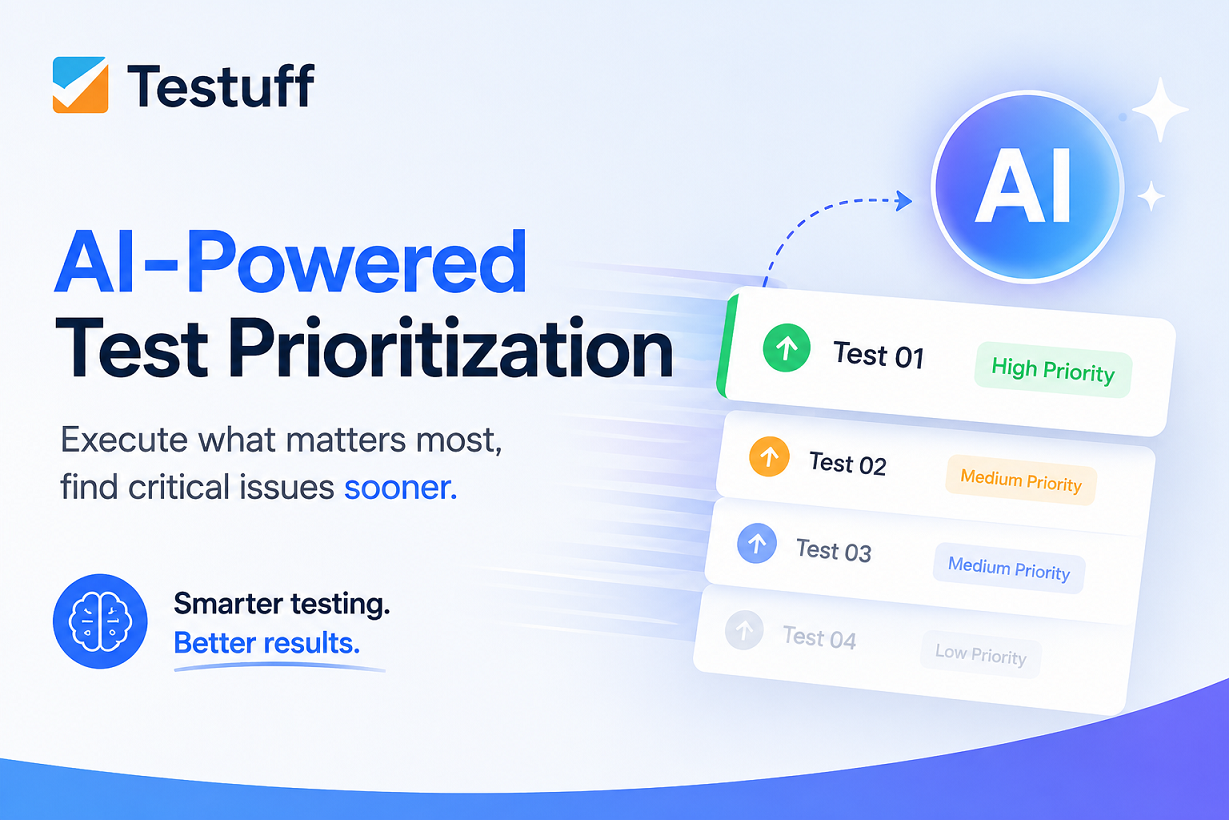
🤖 AI-Powered Run Prioritization in Lab
Speed up your testing with intelligent execution order.
You can now prioritize tests within a Lab run using AI. The prioritization engine analyzes multiple factors to determine the most relevant execution order, helping your team find critical issues earlier and make the most of every test cycle.
The AI considers:
- Requirements: Direct links to your project requirements.
- Relevancy: Historical test trends and usage patterns.
- Failure History: Recent failures and past execution results.
- Related Defects: Active and resolved defects associated with each test.
An optional setting lets you keep tests from the same suite together while still benefiting from AI-driven prioritization.
🔄 Automatic 2-Way Integration with Redmine
Keeping defects synchronized across systems shouldn’t require manual work.
Testuff now supports automatic 2-way integration with Redmine. Once connected, updates made to defects in either Testuff or Redmine are automatically synchronized, helping everyone stay on the same page.
The integration works with both hosted Redmine services and self-hosted (on-premises) Redmine installations, giving teams the flexibility to use it regardless of how Redmine is deployed.
🧹 Clear Filters in My Tasks & Tests
Sometimes it’s the little things that make your day just a bit smoother.
We’ve added the Clear Filters icon to both the My Tasks and Tests screens, bringing the same quick reset experience already available on the Defects screen.
When you’ve drilled down with multiple filters, a single click clears them all and gets you back to the full list. One less small annoyance in your daily workflow.
As always, our support team is here to assist with any questions or issues.
Stay tuned for more updates!