
Our latest version brings powerful new capabilities that continue to push Testuff’s AI-driven testing forward.
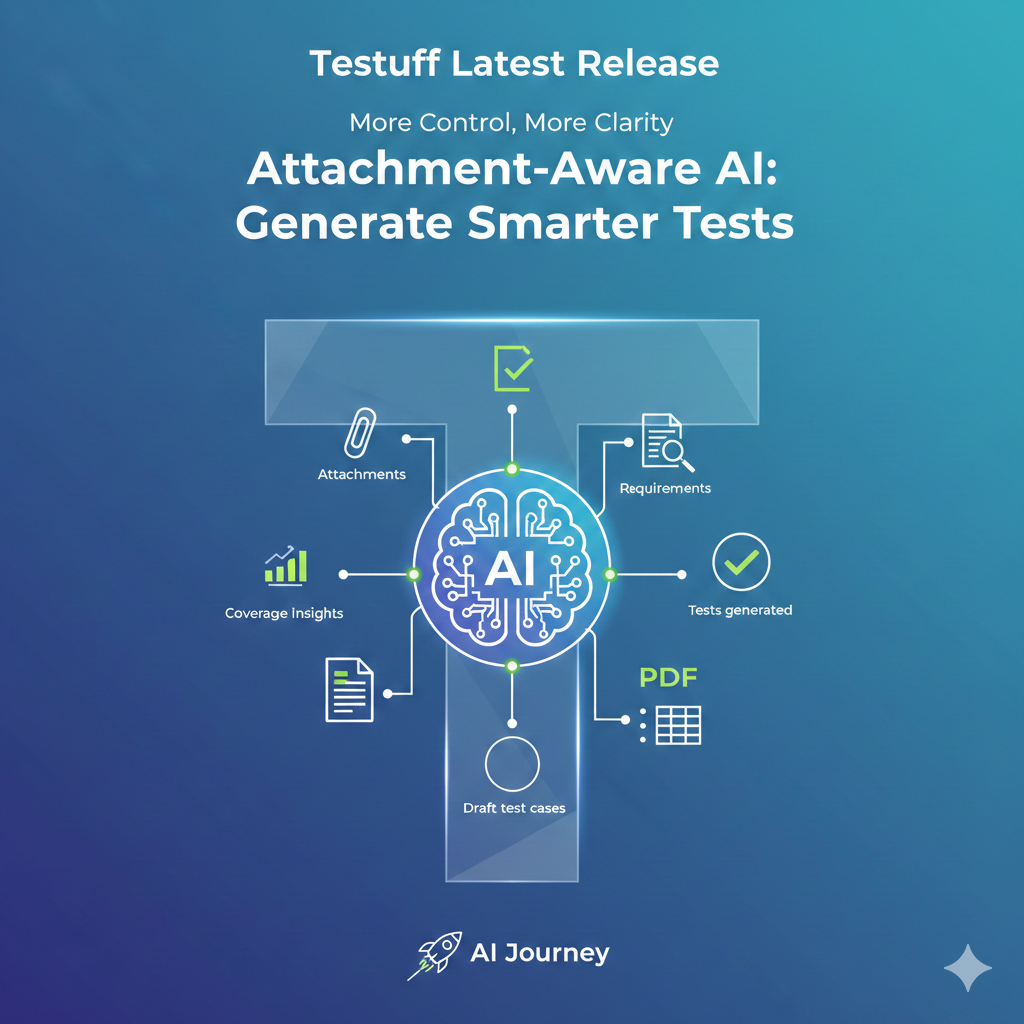
🚀 AI Powered Test Generation with Attachments
Attached files, screenshots or documents to a requirement are now included for AI test generation. Our AI
reads the attachment and uses the content to generate more accurate, context-aware test cases.
This helps:
- Include edge cases or negative paths that match real requirements
- Automatically draft test steps, expected results and data hints, saving time and ensuring tests are aligned with requirements
- Keep tests traceable and relevant, especially when requirements include diagrams, specifications or detailed scenarios
🔧 How to Use It
- Open a requirement inside Testuff
- Upload or paste the relevant attachment (image, PDF, docx, etc.)
- Click “Generate Tests”. AI will analyze the content and produce draft test cases
- Review, edit or accept the generated tests
Why This Matters
- Less manual effort: saves time for QA and product teams
- Better test coverage: more realistic tests that match actual requirements
- Improved test-to-requirement traceability: easy to track where tests came from, especially when requirements include attachments
AI Journey
This update is another step in our ongoing AI journey at Testuff. We began by introducing AI powered dashboards to surface insights more intelligently, continued with generating tests
directly from requirements, and now enhanced that capability with attachment-aware analysis for richer, more accurate test creation. And we’re far from done. Additional AI driven
features are already in development, all aimed at helping you test smarter, faster, and with greater confidence.
As always, our support team is here to assist with any questions or issues.
Stay tuned for more updates!